 How-to
How Do I Confirm My Bounce House Rental Booking?
Last Updated: November 19, 2026
Quick Summary
To confirm your bounce house rental booking, check that the confirmation lists your name, event date, rental period, delivery window, the exact inflatable booked, and the setup address. Then verify the details against your party plans and reply to the business if anything is missing or wrong.
- Check the date, rental hours and delivery window against your party schedule.
- Confirm the setup address, gate or entry details, and that the inflatable size suits your guests.
- Measure the setup area and look for overhead wires, trees, and sharp objects.
- A requested or pending status does not guarantee your date; ask for a confirmed status in writing.
- If no confirmation arrives, check spam folders, the booking portal, and your card statement for the deposit.
Table of Contents
- What a Bounce House Rental Booking Confirmation Should Include
- Bounce House Rental Confirmation Checklist: What to Verify Before Your Party
- Bounce House Rental Confirmation Email Template You Can Compare Against
- Pending, Requested, and Confirmed: What Each Booking Status Means
- Bounce House Rental Setup Requirements to Confirm Before Delivery
- Same Day Inflatable Rental Booking Options and How Confirmation Works
- What to Do If Your Bounce House Rental Confirmation Never Arrives
- Booking Your Bounce House Rental and Confirming Your Party Details
- Frequently Asked Questions
What a Bounce House Rental Booking Confirmation Should Include
When you book a bounce house rental, a confirmation tells you that your reservation is locked in. A confirmation tells you the date, time and details are set. A good confirmation covers the basics, and you should check it right away.
A bounce house rental confirmation should include these details:
- Your name and contact information
- Event date and rental period
- Delivery window and setup time
- The exact bounce house or inflatable you booked
- Setup address and location details
- Payment status and any deposit paid
- Cancellation or change policy
If any of these are missing, reply to the confirmation and ask. Missing details are the most common reason a booking goes wrong on party day.
Bounce House Rental Confirmation Checklist: What to Verify Before Your Party
Before the party, go through the confirmation line by line. Treat it like a checklist, not a quick glance.
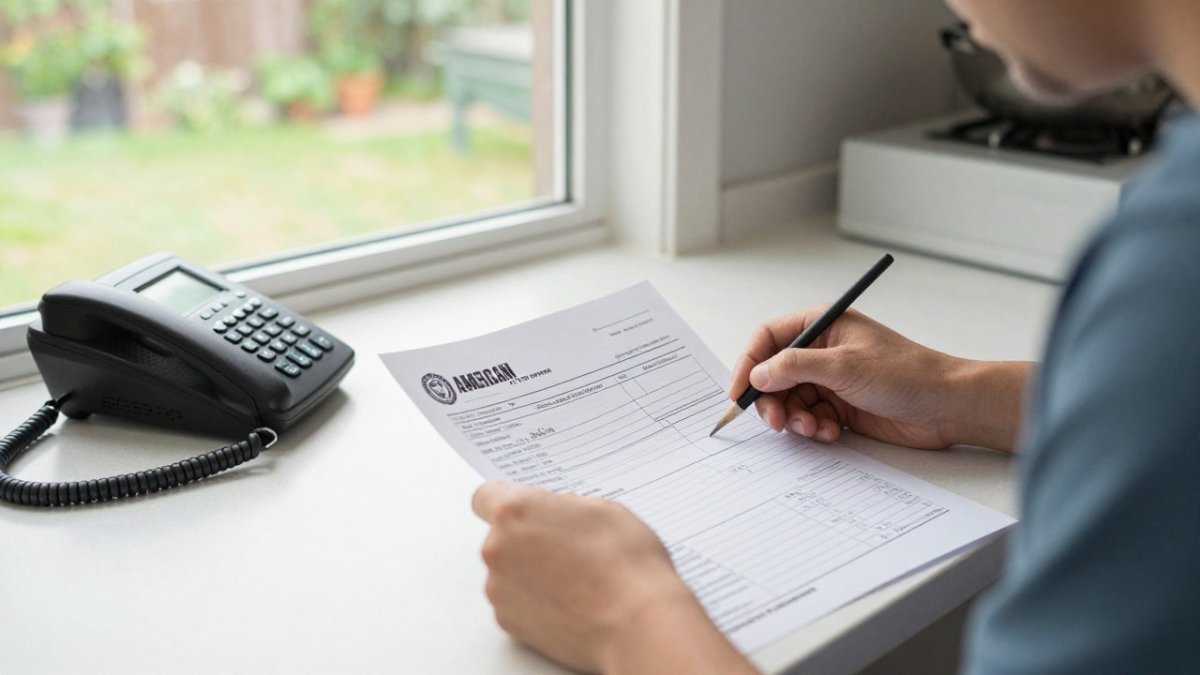
- Date and rental hours match your party
- Delivery window works with your schedule
- Address and gate or entry details are correct
- Inflatable size suits your guests' ages
- Setup area requirements are clear
- Payment or deposit status is correct
- You have a contact number for the day of the event
Check the setup area against your yard. Measure the space and look for overhead wires and trees. Confirm the ground is level and free of sharp objects.
Bounce House Rental Confirmation Email Template You Can Compare Against
Use this template to compare with the confirmation you received. If something is missing, send a short reply.
Subject: Booking confirmation for [Event Date]
Hi [Company Name],
I'd like to confirm my bounce house rental booking. My name is [Your Name] and my event is on [Date] from [Start Time] to [End Time]. Delivery is set for [Delivery Window] at [Address].
Please confirm the inflatable I reserved, the setup requirements, and the payment status.
Thank you, [Your Name] [Phone Number]
Keep a copy of your confirmation and any replies together in one email thread.
Pending, Requested, and Confirmed: What Each Booking Status Means
Booking systems use different status labels, and the wording matters more than most customers realize. A status is not just a label, it tells you whether the equipment is actually reserved for your date or whether you are still in line.
Requested means you sent a booking request, but the business has not checked availability yet. Your date is not held. Another customer can book the same inflatable while your request sits in the queue. Treat a requested status as a question, not a reservation.
Pending means the business is reviewing the request or waiting for a deposit. Your date may be held for a short time, but it is not final. A common pattern is a soft hold of 24 to 48 hours while the deposit clears, after that, the date can be released to the next customer. Ask the business how long the hold lasts and what triggers the release.
Confirmed means the date and equipment are reserved for you. This is the status you want. A confirmed booking should list the specific inflatable, the delivery window, the setup address, and the payment status. If any of those are missing, the booking is not fully confirmed in practice, even if the label says so.
Watch out: A status that reads "confirmed" in the booking portal but has no delivery window or unit name attached is often an automated label, not a human review. Call and ask a person to verify the equipment is physically assigned to your date.
A simple way to read the three statuses:
| Status | Is your date held? | What to do next |
|---|---|---|
| Requested | No | Wait for a reply, then follow up within one business day |
| Pending | Sometimes, for a short window | Pay the deposit or ask how long the hold lasts |
| Confirmed | Yes | Verify unit, delivery window, address, and balance |
If your booking still says requested or pending close to your event date, contact the business. Ask them to confirm availability for your exact date and to put the confirmation in writing. Do not assume a pending status will roll over into a confirmed one on its own, most systems require a deposit or a manual approval to move forward.
Bounce House Rental Setup Requirements to Confirm Before Delivery
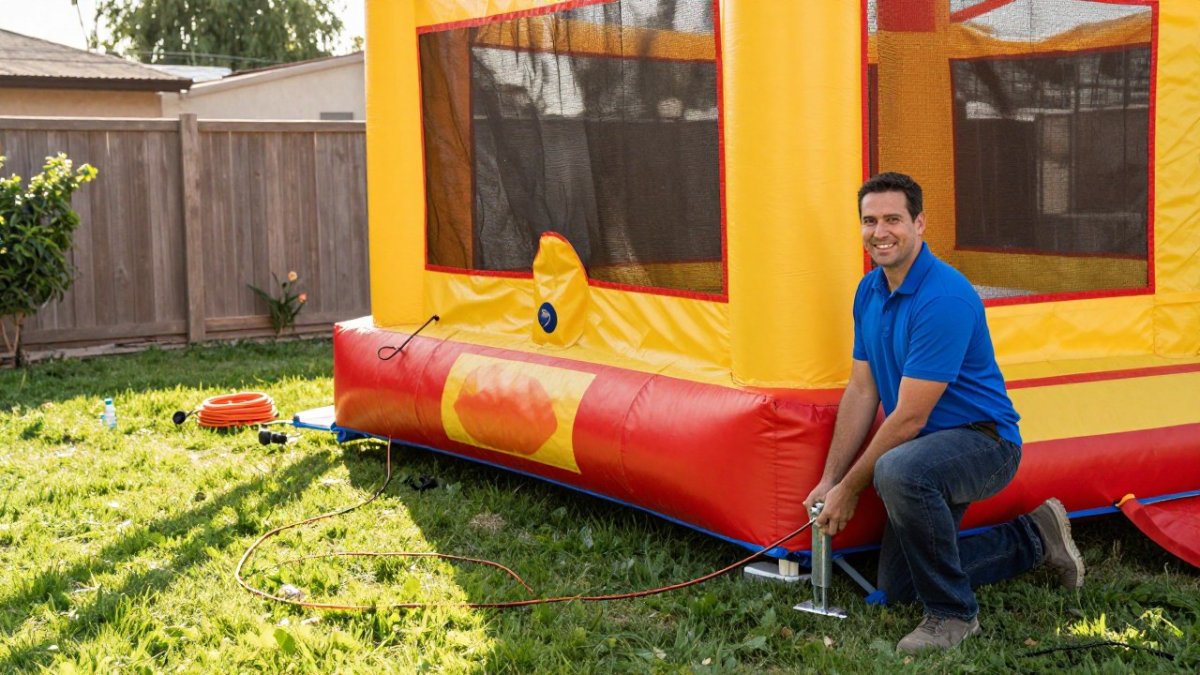
Setup problems are a common reason parties get delayed. Confirm these before the delivery day:
- Clear, flat space: Most inflatables need a level area free of rocks, roots and sprinklers.
- Overhead clearance: Keep the area clear of power lines, tree branches and roof edges.
- Access route: Make sure the delivery crew can reach the spot with a truck and equipment.
- Power access: Some inflatables need an outlet for a blower. Ask if you need one nearby.
- Dry weather plan: Wind and rain can affect setup. Ask what the policy is for weather changes.
Write down any answers the business gives you. A short note in your confirmation thread helps if questions come up later.
Same Day Inflatable Rental Booking Options and How Confirmation Works
Same-day rentals depend on equipment availability, so act quickly if you need a last-minute booking.
When you book same day, confirmation may come by phone, text or email. Ask for the confirmation in writing before you hang up. A same-day booking should still list the date, delivery window and address.
For more on booking last minute, read How to Book a Last-Minute Bounce House Rental Near You. It walks through what to ask when time is short.
What to Do If Your Bounce House Rental Confirmation Never Arrives
A missing confirmation is usually one of a handful of specific problems, and each has a different fix. Work through them in order rather than calling blind.
1. Check spam, junk, and promotions folders. Search your email for the business name and your event date, not just the subject line.
2. Check the booking portal. If you booked online, log back in. The status may be listed there even if the email never sent. A portal status of requested or pending tells you the request reached the business; a status of confirmed with no email usually means the email failed, not the booking.
3. Rule out a payment failure. A declined card or an expired deposit link is one of the most common reasons a confirmation never arrives. Check your card statement for the deposit charge. If there is no charge, the booking likely did not complete. Re-submit the deposit through the portal or ask the business to resend the payment link.
4. Check for a duplicate request. If you submitted the form twice, once on mobile, once on desktop, for example, the business may see two requests and hold off confirming either until it sorts out which is real. Tell them which request is the live one and ask them to cancel the duplicate.
5. Confirm the event details are correct. A confirmation sent to the wrong email address, or one with a typo in the date or address, is effectively missing. Call with your name, event date, and booking reference and ask them to resend to the correct address.
6. Call or message the business directly. Give your name, event date, and booking reference. Ask for written confirmation by email or text before you stop following up. Keep a record of when you asked and what they said.
Watch out: Do not assume the date is held just because you submitted a request. A request without a confirmation is not a reservation, and another customer can book the same inflatable in the meantime.
When to escalate. Follow up if you have not heard back, and again closer to the event if the confirmation is still missing. If you are within a few days of the event and still have no written confirmation, call rather than email, phone is the only way to confirm in real time that the equipment is assigned to your date.
If the confirmation arrives but is wrong. Reply in the same email thread with the specific correction, the date, the address, the unit, or the delivery window, and ask for a revised confirmation. A verbal fix over the phone is easy to lose; a written revision is what you want in hand on delivery day.
Booking Your Bounce House Rental and Confirming Your Party Details
Once you have a confirmed booking, review the details one last time. You can browse the bounce house rental options to make sure the inflatable you chose fits your guests and your space.
If you need cooling or extra equipment, you can also look at evaporative cooling rentals to add to the same booking. Adding everything to one confirmation makes delivery day easier.
If anything on your confirmation is unclear, contact Lil Bubs Bounce House before the party. Getting answers early prevents surprises on the day.
Booking a bounce house should feel simple, not stressful. Lil Bubs Bounce House serves families across Avondale, Goodyear, Tolleson and Buckeye, and we make it easy to reserve safe, clean inflatables for your next celebration. Check your confirmation today, get in touch with any questions, and make your party a sure thing.
Frequently Asked Questions
What should a bounce house rental booking confirmation include?
A complete confirmation should list the rental date, the delivery window, the setup address, the rental duration, the specific inflatable and any add-ons such as tables, chairs, or a canopy, the payment status, and the contact number for the day of the event. It should also state the pickup time and any site requirements the rental team needs before arriving. If any of these details are missing or do not match what you requested, contact the rental company and ask for a corrected confirmation before your party. Keeping a saved copy of the confirmation makes it easy to compare details on delivery day.
How do I know my bounce house rental is confirmed?
Your booking is confirmed when you receive a written confirmation that includes your date, time window, address, and itemized rental. A status that still reads pending or requested means the company has received your request but has not yet reserved the unit. If you booked online and no confirmation arrived, check your spam folder first, then contact the company directly with your name and requested date. Do not assume a booking is secured until you have the confirmation in hand.
When should I confirm the delivery details for a bounce house rental?
Confirm delivery details as soon as you book, and again a day or two before the event. Early confirmation gives you time to fix a wrong address or time window. A second check the day before lets you confirm the arrival window, the contact person on site, and whether any weather plan has been discussed. Bring any changes to the company's attention promptly so the dispatch team can update its route and setup plan.